

Dynamic Targeting
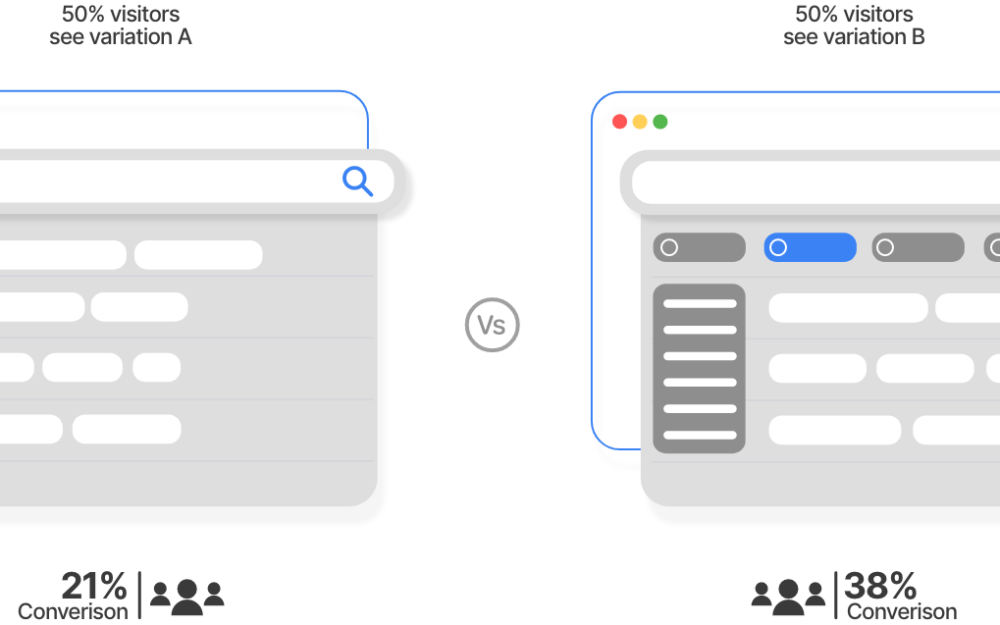
Dynamic Targeting lets you serve completely different search experiences to different users — all from the same search bar. Target by user role, device, location, referrer, URL context, or any combination. No separate deployments, no code changes.
How it works
Define targeting conditions
Conditions are based on user signals: authenticated role, device type (mobile/desktop), geographic location, URL path, referrer, or custom parameters passed to the search widget.
Map conditions to search configurations
Each condition maps to a specific search configuration — different result rankings, different content inclusions/exclusions, different UI layouts or facets.
Configurations are applied at query time
When a user searches, Keyspider evaluates the active conditions in real time and applies the matching configuration before returning results.
Use cases
Multi-brand government portals
A state portal serving multiple agencies can show agency-specific results when users arrive from agency sub-sites, without requiring separate search deployments per agency.
Mobile vs. desktop experiences
Mobile users can receive a simplified result layout with fewer facets and higher-ranked quick-answer content. Desktop users get the full faceted search experience.
Language and locale targeting
Serve Spanish-language results first to users on the Spanish version of your site. Automatically adapt content order and language filtering without separate indices.
Authenticated employee portals
When a user authenticates via SSO, their role is passed to the search layer, activating targeting rules that surface internal-only documents not visible to the public.
Ready to give your users better answers?
AI Search, AI Assistant, and Workplace Search. Deployed in days, not months. See it live on your own content.
No credit card required · Live in 2 weeks · Cancel anytime