

Crawling Interval
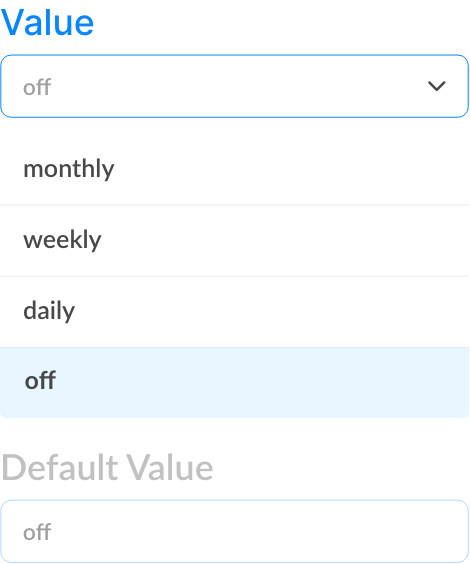
Stale search results erode user trust. Keyspider's crawling interval settings let you control exactly how often each source is re-indexed — from continuous monitoring to scheduled daily, weekly, or monthly crawls. And for urgent updates, manual on-demand re-indexing is always one click away.
How it works
Set a baseline crawl schedule
For most knowledge base and documentation sites, a daily crawl is sufficient. For news sites or frequently updated portals, hourly or continuous monitoring keeps results current.
Keyspider detects and indexes changes
Rather than re-crawling every page every time, Keyspider compares page content against the last indexed version. Only changed pages are re-processed — saving time and compute.
Trigger manual re-crawl when needed
Published a critical policy update at 9am? Trigger a manual re-crawl from the admin console and the new content is live in search within minutes — no waiting for the next scheduled run.
Use cases
News and editorial sites
Articles published throughout the day need to appear in search immediately. Continuous or hourly crawling ensures nothing sits unindexed for long.
Government and public sector
Policy documents and service pages are updated infrequently but must be accurate when they are. Daily or weekly crawls with on-demand override handles this perfectly.
E-commerce catalogues
Product availability, pricing, and descriptions change constantly. Hourly crawls keep the search index aligned with the live catalogue without manual intervention.
Ready to give your users better answers?
AI Search, AI Assistant, and Workplace Search. Deployed in days, not months. See it live on your own content.
No credit card required · Live in 2 weeks · Cancel anytime